Fountain 1.0.15 - Auto Delete Episodes
Fountain 1.0.15 deletes episodes automatically after a period you choose, or clears out older episodes in a single tap.
· Changelog
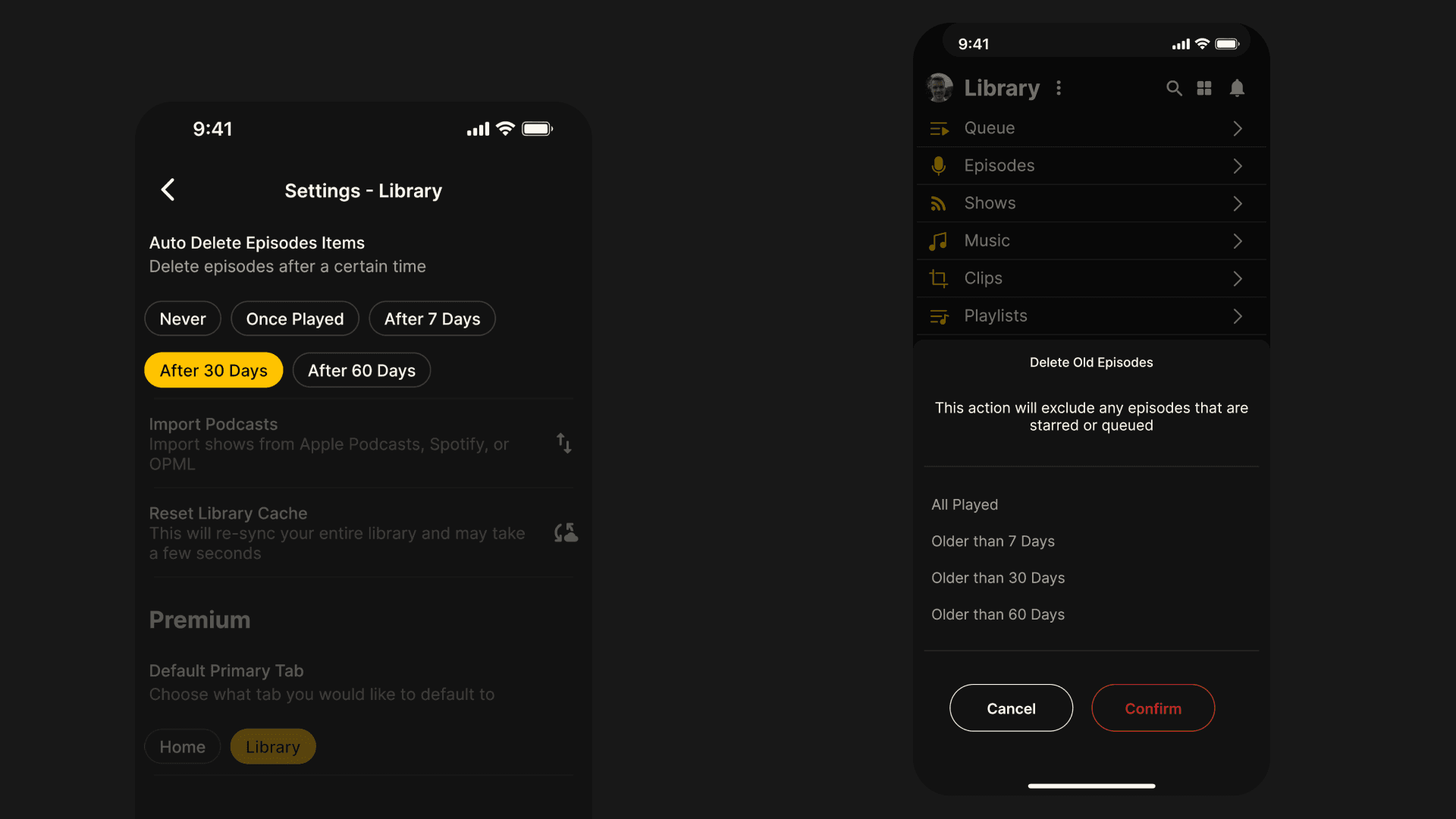
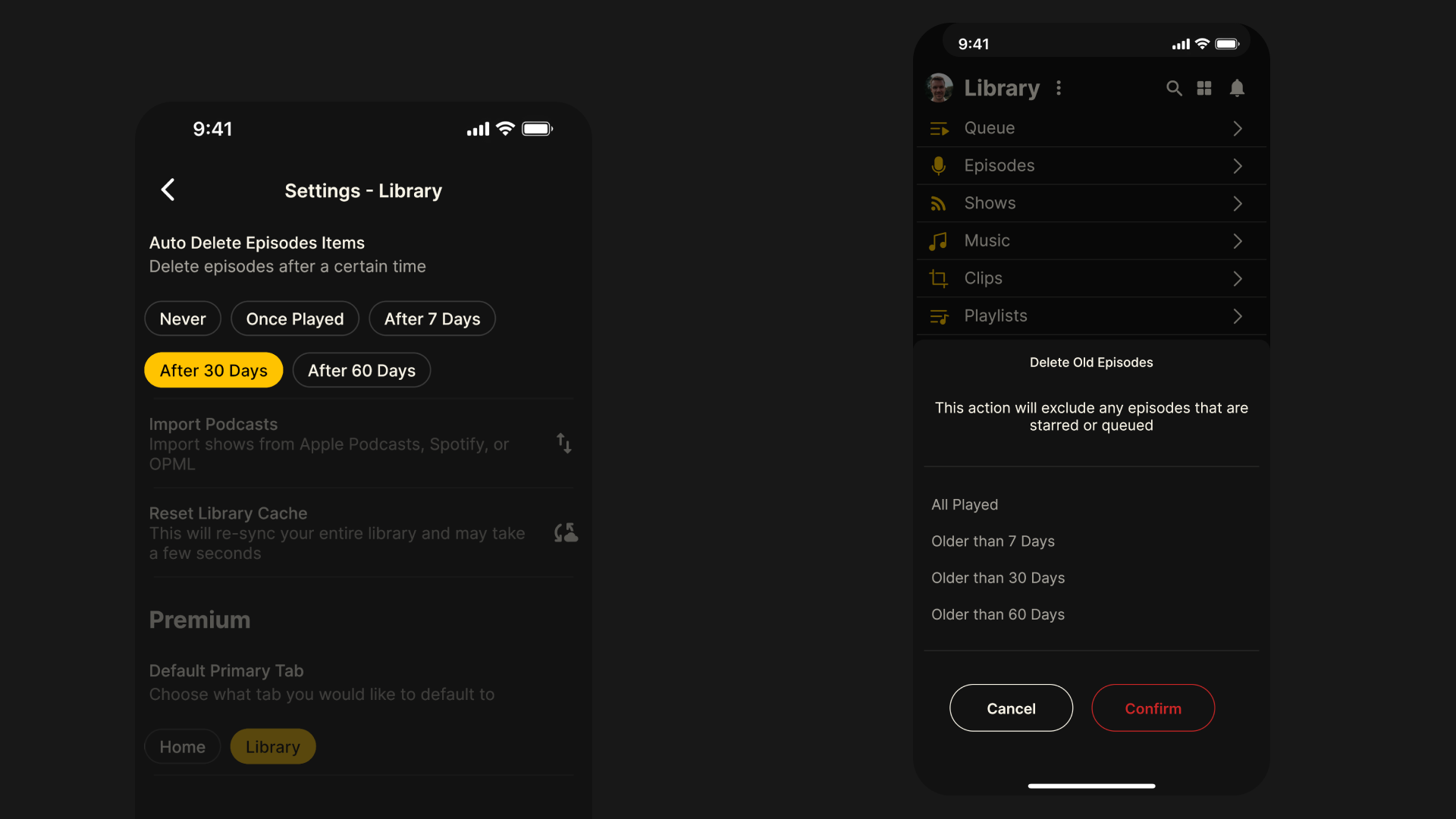
Auto Delete Episodes
Many of you have been asking for a quicker, easier way to delete older episodes from your library without having to remove them one by one. We’re pleased to say that we have added two new ways to manage older episodes in your library:
Auto delete episodes: Choose for episodes to be automatically be deleted from your library after a certain time. Go to Main Menu > Settings > Library > Auto Delete Episode Items and select from Never, Once Played, After 7 Days or After 30 Days.
Manually delete old episodes: Clear out all older episodes after a certain period of time with just one tap. Go to Library > Options > Library > Delete Old Episodes and select from All Played, Older than 7 Days, Older than 30 Days or Older than 60 Days. Episodes that are starred or queued will not be deleted.
Other bug fixes and improvements
Improved support for Android audio background playback and enhanced seeking
Android Auto playback speed now respects last known setting on the app
Option to remove failing private RSS feeds to avoid persistent error messages
Better handling of bad URLs and invalid file formats when importing OPML files
Fonts pre-bundled to support offline use
Various styling fixes to main player screen
More from the blog
See all posts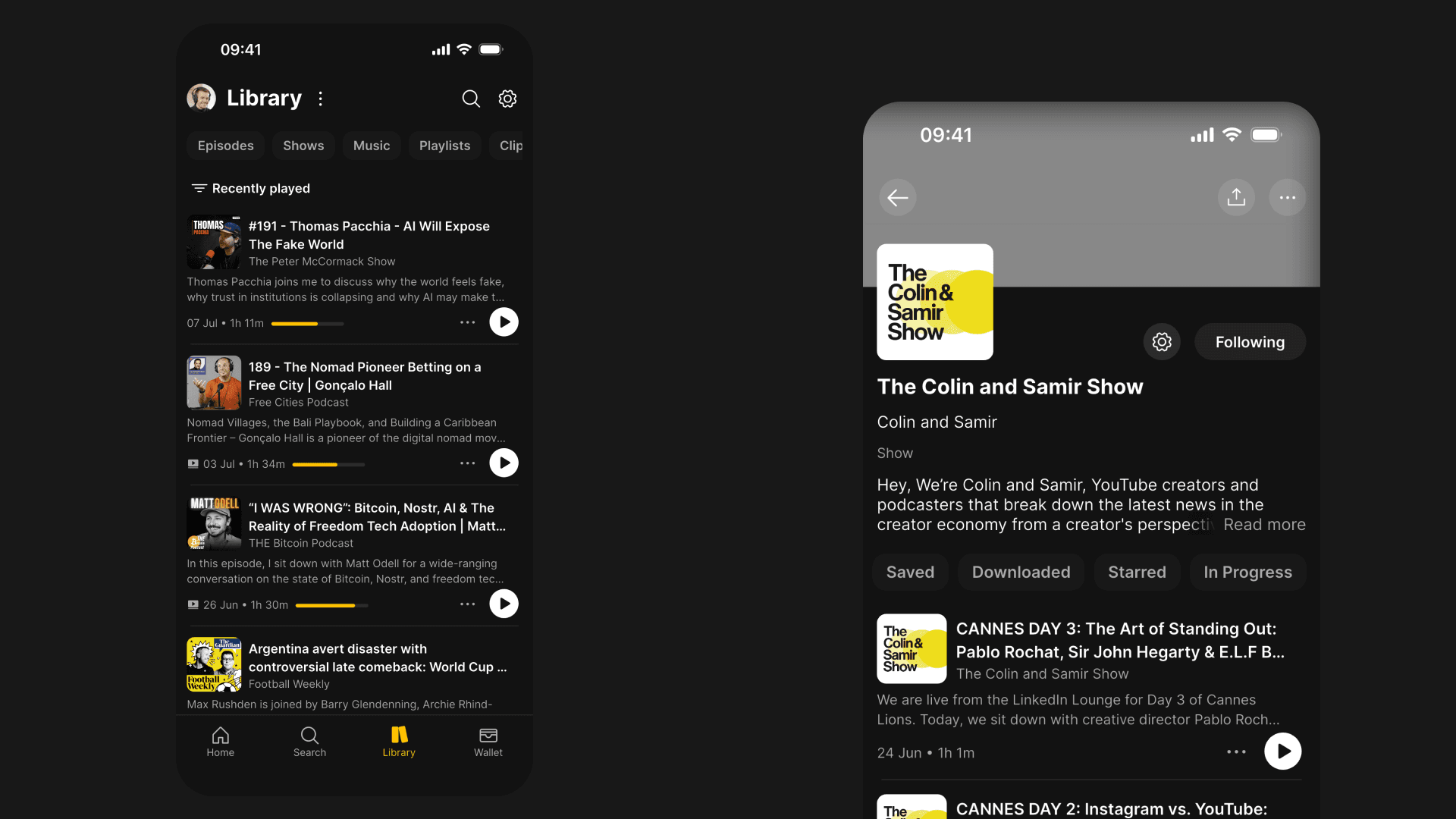
Fountain 1.5.5 - Library and Content Page Improvements, Clips and Highlights
We’ve improved the UX of the Library, content pages and clipping tool, and added Highlights to make it easier to share quotes from podcasts.
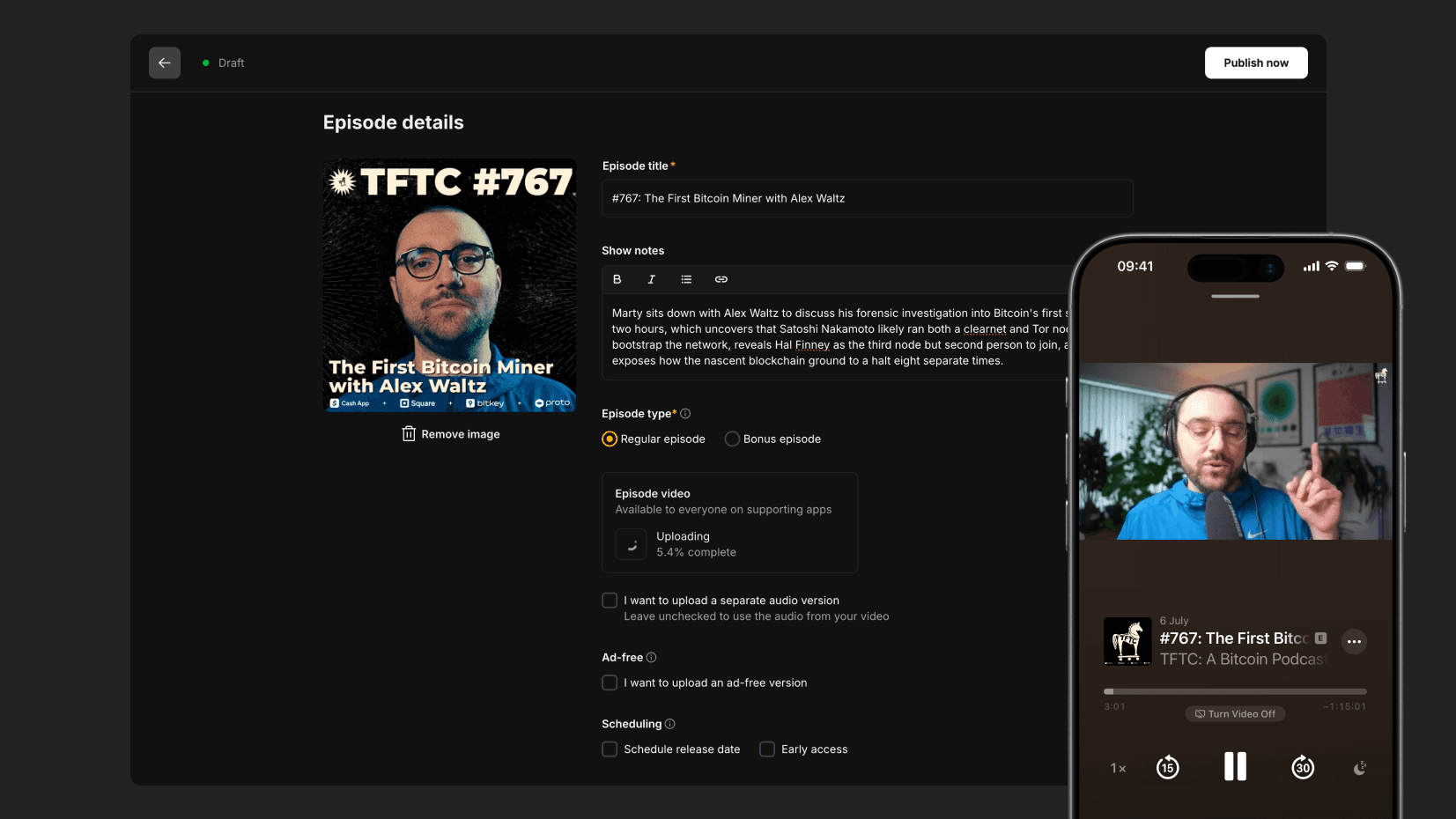
Publish Video to Apple Podcasts with Fountain
With Fountain for Podcasters, any videos you upload will automatically be made available in Apple Podcasts in 1080p resolution with no monthly limits.
Fountain 1.5 - Revamped Trending Feed
The new home feed delivers a discovery experience that feels more curated, more dynamic and more relevant.